Filter conditions#
Filter conditions determine whether a rule matches an event. If a condition evaluates to true, the actions in that rule run.
WinSyslog supports simple filters and complex Boolean trees. This lets you use broad capture rules for storage or narrow, high-signal rules for alerting and forwarding.
Default filter behavior#
By default, the filter-condition tree contains a single top-level AND. That
structure always evaluates to true until you add real conditions, so it is
commonly used for broad capture rules such as writing all incoming events to a
file or database.
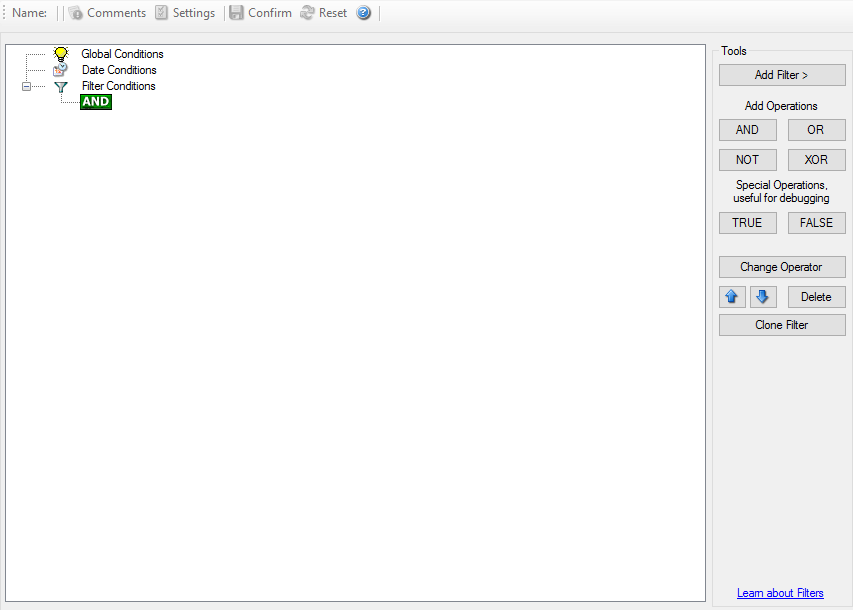
Default filter tree with a single top-level AND condition.#
Building more selective filters#
More advanced rules can combine multiple conditions with nested Boolean logic. The sample below shows a more selective filter structure.
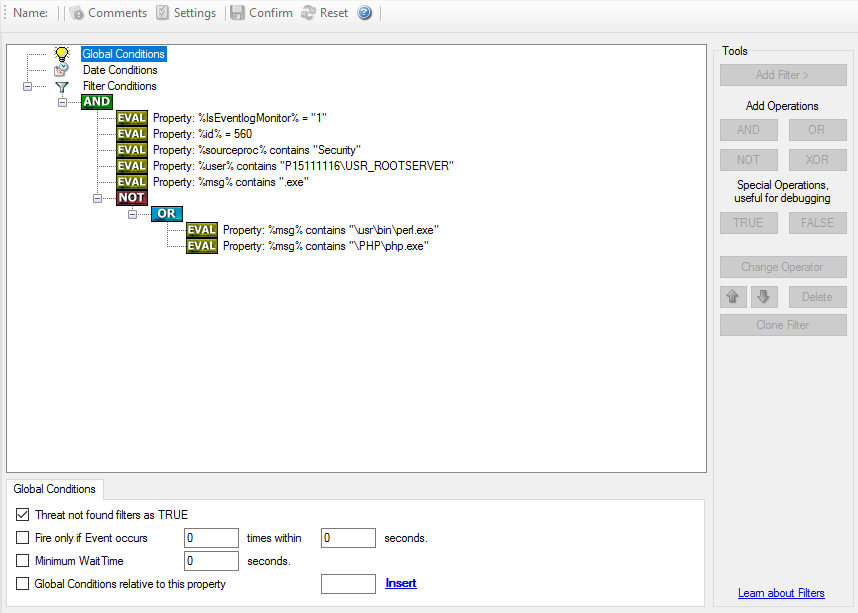
Example of a more selective filter with nested Boolean conditions.#
How to think about filter logic#
A useful mental model is:
a filter that evaluates to true allows the rule’s actions to run
a filter that evaluates to false prevents those actions from running
negation with NOT is often the key to expressing exceptions cleanly
The classic example is exclusion logic: if a condition should match everything except a small set of known-safe events, define the safe events first and then negate that result.
Practical guidance#
String comparisons in filter conditions are case-sensitive.
Start with the simplest condition that solves the problem.
Add nesting only when simpler rule separation would not be clearer.
Use wait times and throttling carefully to prevent alert storms.
If you need advanced modeling help, see complex filter conditions.